
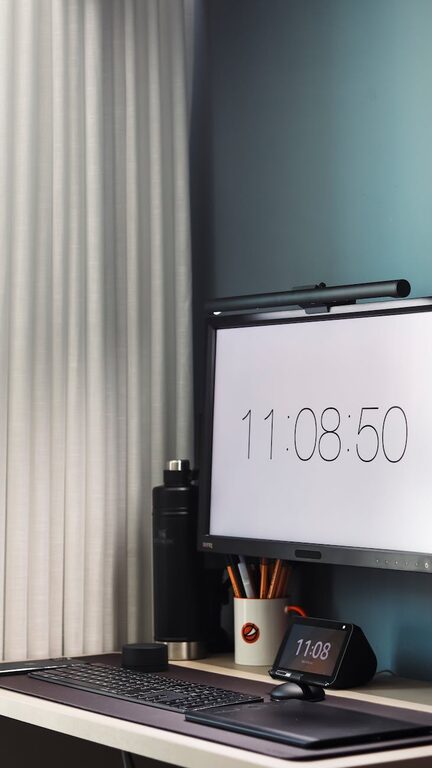
Creating an organized home office is key to maintaining productivity and keeping your workday running smoothly. Whether you’re working remotely full-time or just need a dedicated space for occasional tasks, a clutter-free, well-structured environment can help you focus and feel motivated. Here are practical tips to organize your home office for maximum productivity.
Assess Your Space and Needs
Before you start rearranging, take a moment to evaluate your workspace and how you use it.
– Measure Your Area: Know the size of your office space so you can plan furniture and storage accordingly.
– List Your Must-Haves: Think about what items you need regularly—computer, printer, notebooks, or reference materials.
– Consider Your Work Style: Are you a digital worker, or do you rely on paper? Will you hold meetings or phone calls from this space?
Understanding these factors helps you pick the right organizational tools and layout.
Declutter: Clear the Surface
A cluttered desk leads to a cluttered mind, but decluttering doesn’t mean banishing essentials.
– Remove Non-Essentials: Take off items you don’t use daily.
– Sort Paperwork: Create piles for urgent, reference, and discard categories.
– Use Cable Organizers: Tidy your cords with clips or sleeves to prevent tangling.
Keep only daily-use tools on your desk to promote a clean workspace.
Use Smart Storage Solutions
Good storage can make a huge difference in keeping everything in its place and easily accessible.
– Drawer Dividers: Use these to separate stationery, electronics, or personal items.
– Shelving Units: Vertical storage saves floor space and keeps materials visible.
– File Organizers: Use labeled folders or trays for paperwork and important documents.
– Storage Boxes: Clear boxes help you identify contents without opening them.
Regularly revisit your storage system to keep it efficient.
Optimize Your Desk Layout
A well-planned desk layout improves comfort and efficiency.
– Ergonomic Setup: Position your monitor at eye level and keep your keyboard and mouse within easy reach.
– Minimal Distractions: Keep personal items minimal to stay focused.
– Essential Items Only: Place frequently used items in front to avoid unnecessary reaching or standing.
By arranging your workspace thoughtfully, you’ll reduce strain and improve workflow.
Manage Digital and Paper Files Efficiently
Both digital and paper files can add to clutter if not managed properly.
– Go Paperless When Possible: Scan documents and save them in organized folders on your computer.
– Back Up Files Regularly: Use cloud storage or external drives to prevent data loss.
– Use Labels and Tags: When physical documents are needed, label folders clearly by project or date.
Keeping files organized saves time and reduces stress when searching for information.
Create Zones for Different Tasks
Assigning specific zones in your office for various activities helps your brain switch focus easily.
– Work Zone: Primary desk area for computer and writing.
– Reference Zone: Shelving or bulletin boards with calendars, notes, or books.
– Equipment Zone: Space for printer, scanner, or other devices.
– Break Zone: If space allows, a small chair or cushion where you can stretch or relax briefly.
Clear zoning enhances efficiency and prevents distractions.
Keep Your Office Clean and Fresh
A tidy workspace feels inviting and helps keep your mind clear.
– Daily Quick Clean: Spend 5 minutes at the end of each day putting things back in place.
– Regular Deep Cleaning: Weekly dusting and wiping down surfaces maintain a healthy environment.
– Good Lighting and Ventilation: Natural light and fresh air boost mood and concentration.
A clean environment promotes workplace satisfaction and energy.
Personalize Without Overdoing It
Adding personal touches can make your office more enjoyable, but keep it balanced.
– Add Greenery: Plants improve air quality and add calm.
– Inspiring Art or Photos: A few motivational images or photos help you feel connected.
– Comfort Items: A cozy chair or fun mug can increase comfort and positivity.
Personalization keeps your workspace uniquely yours while still professional.
Schedule Regular Organization Sessions
Organization isn’t a one-time task; regular upkeep is essential.
– Weekly Reviews: Check for accumulated clutter or disorganized items.
– Monthly Purge: Remove unnecessary papers, broken items, or outdated materials.
– Adjust As Needed: Update your setup to fit changing work routines or projects.
Routine organization keeps your home office productive over time.
—
In conclusion, organizing your home office doesn’t require a complete overhaul or expensive equipment. Small, thoughtful changes tailored to your needs can create a comfortable, efficient workspace that enhances your productivity and work satisfaction. By keeping clutter under control, using smart storage, and maintaining your space regularly, you’ll set yourself up for success every workday.